
Part1 - Creating the Application

Launch the System Centre 2012 R2 Configuration Manager

Click on browse and select the msi package you wish to install.
Please note: For this first part, you can add any application msi. But for this post specifically, you need to be adding an application of a more recent version that what is already installed.
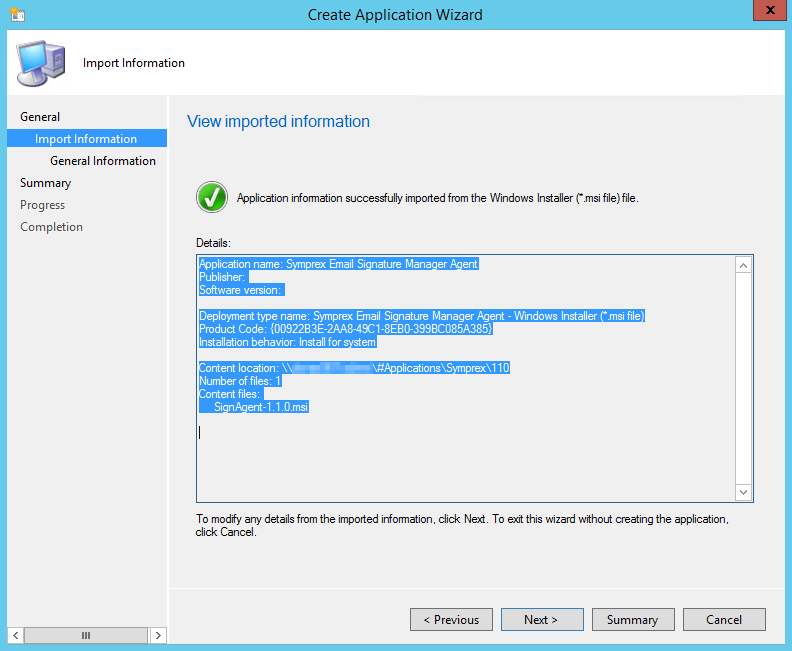
Review the info, click Next
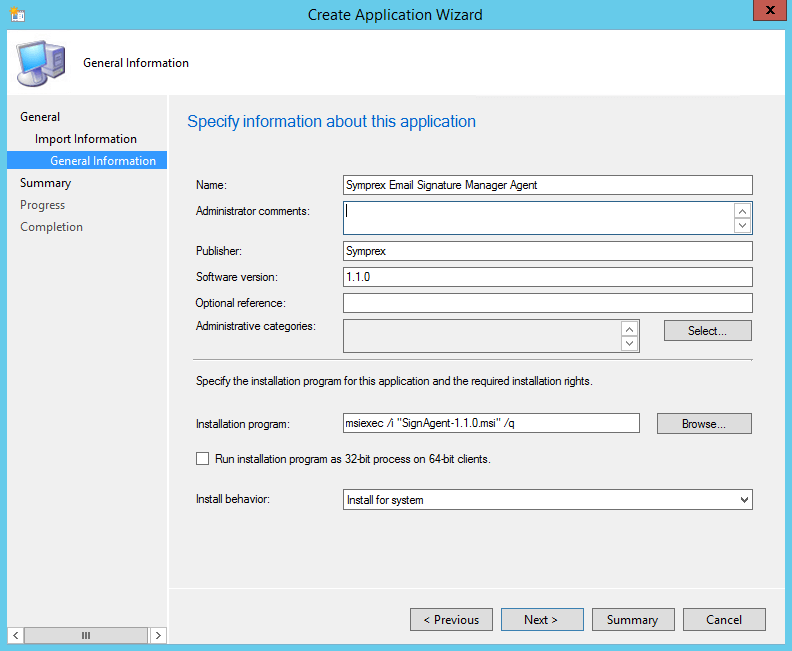
Fill in any details you wish, click Next
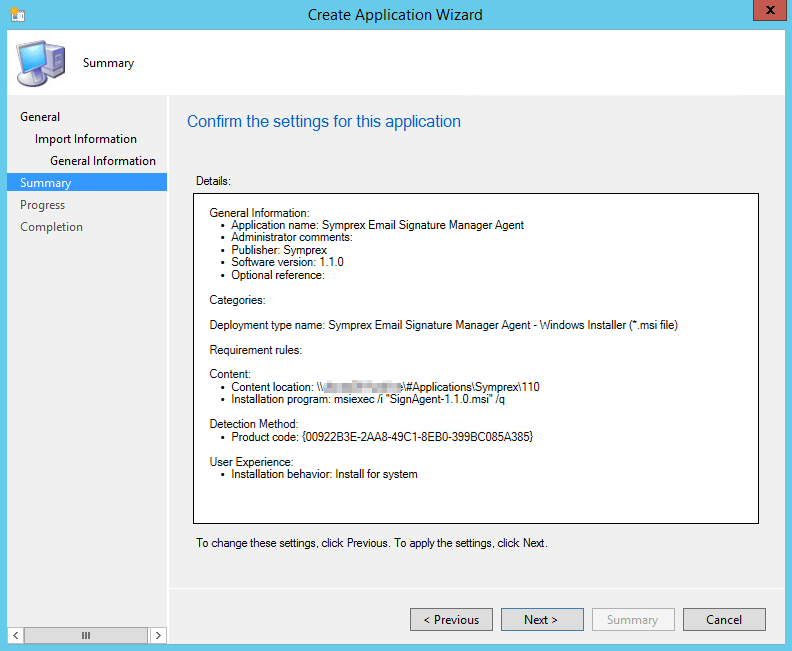
Review the summary and if you’re happy, click Next
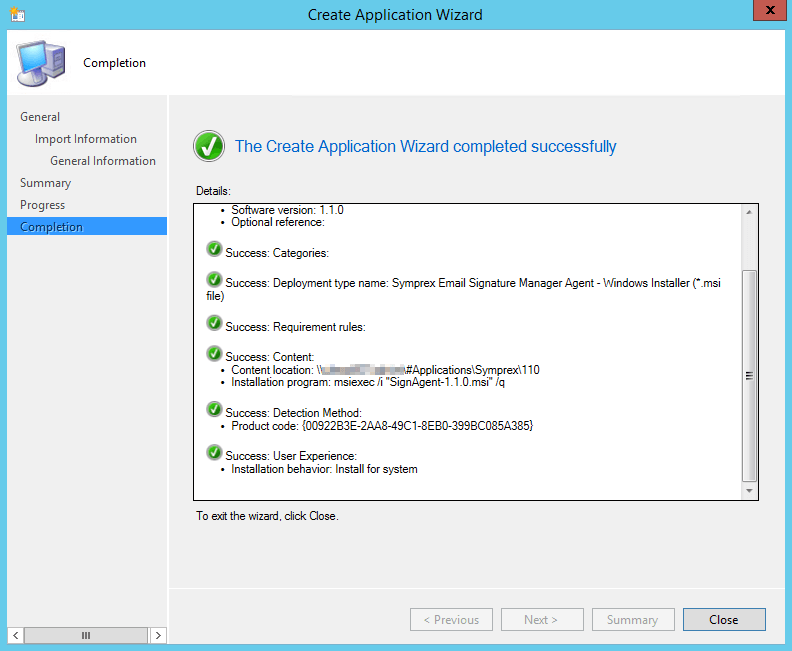
Add application is complete. Click Close